GLINTER

The best way to use Git.
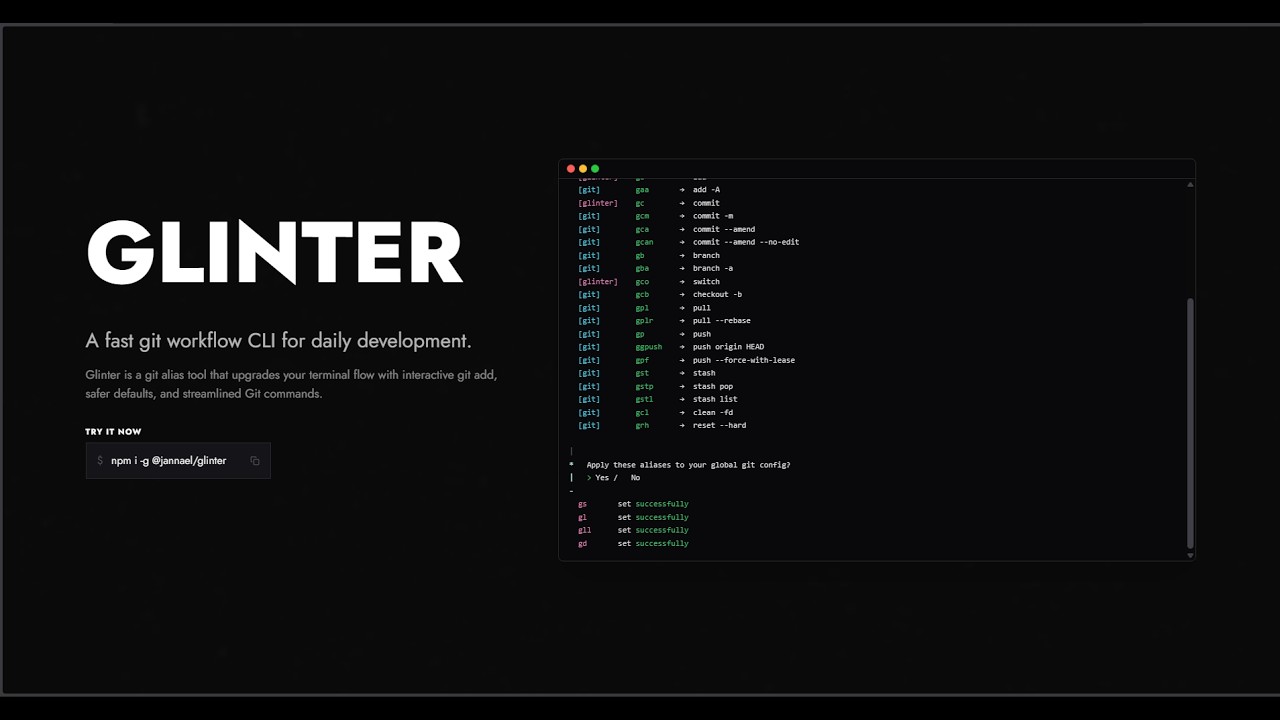
Glinter reduces errors while using Git by providing interactive commands and safer defaults.
$npm i -g @jannael/glinter
- 100
- 100
- 100
The best way to use Git.
Glinter reduces errors while using Git by providing interactive commands and safer defaults.
Available Glinter commands. To see aliases, click here.
Get started
Install Glinter, run setup, and start using your Git aliases in seconds.
Prefer watching? Check out the full Glinter tutorial on YouTube.
Glinter adds functionality it does not replace any of git's commands, it only improves them. eg. g add works the same asgit add but when it does not have arguments it will open an interactive menu to select the files you want to add.
Why
Glinter helps reduce mistakes in repetitive Git tasks by adding interactive prompts and safer defaults, while keeping native Git behavior and compatibility.
What
Glinter extends commands like add, switch, and setup with interactive UX. If you pass normal Git arguments, it forwards them directly so your existing Git commands continue to work as expected.